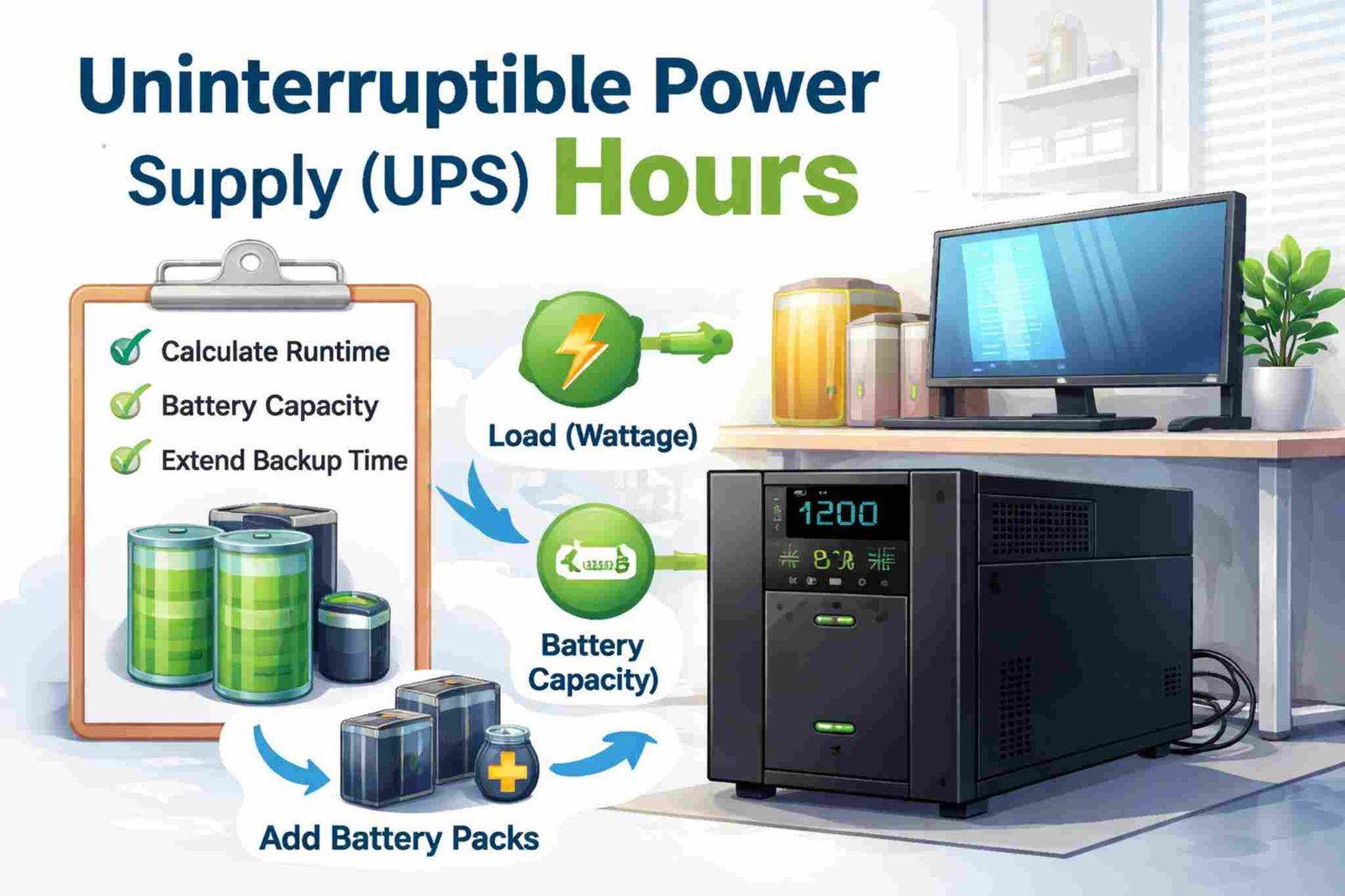
Uninterruptible Power Supply Hours: How Long Can a UPS Last?
When people search for “uninterruptible power supply hours,” they usually want to know:
How many hours will a UPS run during a power outage?
The answer depends on a few simple things:
-
Battery size
-
How much power your devices use
-
The type of UPS
-
Battery condition
In this article, we will explain everything in simple and clear language.
What Does UPS Runtime Mean?
UPS runtime (or UPS hours) means:
-
How long the UPS can power your devices
-
How many hours or minutes it works after electricity goes out
-
How much time you have before the battery runs out
Important to Know
Most small UPS units are made to:
-
Run for 5 to 20 minutes at full load
-
Give enough time to safely shut down computers
-
Protect devices from short power cuts
They are usually not made to run for many hours unless they have large batteries.
What Is an Uninterruptible Power Supply (UPS)?
A UPS is a device that gives backup power when electricity stops.
It works instantly. You do not see your computer turn off.
Main Parts of a UPS
| Part | What It Does |
|---|---|
| Battery | Stores power |
| Inverter | Changes battery power into usable electricity |
| Charger | Charges the battery when power is on |
| Switch | Changes to battery when power fails |
Types of UPS Systems
Different UPS types work in different ways.
1. Standby (Offline UPS)
-
Common for home use
-
Lower cost
-
Good for computers and routers
2. Line-Interactive UPS
-
Better voltage control
-
Good for small offices
-
More stable than standby UPS
3. Online UPS
-
Best protection
-
Used for servers and data centers
-
Runs devices through the inverter all the time
The battery size is still the main thing that decides how many hours it will run.
Read also: Whole-Home Renovation
What Affects UPS Hours?
Several things decide how long your UPS will last.
1. Battery Capacity
Battery capacity tells you how much energy is stored.
It is measured in:
-
Watt-hours (Wh)
-
Amp-hours (Ah) and Volts (V)
Example
If a battery is:
-
100Ah
-
12V
Then:
This means the battery stores 1200 watt-hours of energy.
Bigger battery = longer runtime.
2. Load (How Much Power You Use)
Load means how much electricity your devices use.
If you connect:
-
Only a router (20–30W) → it can run many hours
-
A desktop computer (300W+) → it runs much less time
Example Table
| Load | Estimated Runtime |
|---|---|
| 50W | Several hours |
| 200W | 1–3 hours |
| 600W | Less than 1 hour |
Less load = more hours.
3. Efficiency
No UPS is perfect. Some power is lost as heat.
Most UPS systems are:
-
70% to 95% efficient
This means real runtime is always a little less than the simple calculation.
4. Battery Age
Old batteries do not last as long.
Things that reduce battery life:
-
Heat
-
Age (3–5 years typical life)
-
Heavy use
-
Poor maintenance
A new battery runs longer than an old one.
5. Extra Battery Packs
Some UPS systems allow extra batteries.
Adding extra batteries:
-
Increases total hours
-
Helps run longer during long outages
-
Is common in server rooms
How to Calculate UPS Hours
You can use a simple formula.
Basic Formula
Example 1
Battery: 1200Wh
Load: 300W
If we include 85% efficiency:
1020 ÷ 300 = 3.4 hours
Real runtime ≈ 3 to 3.5 hours
Another Formula (Using Ah and Voltage)
Example:
-
100Ah
-
12V
-
200W load
-
85% efficiency
Typical UPS Runtime
Small Home UPS
| UPS Size | Full Load | Light Load |
|---|---|---|
| 600VA | 5–10 minutes | 30–60 minutes |
| 1000VA | 7–15 minutes | 1–2 hours |
| 1500VA | 10–20 minutes | Up to 2 hours |
Rack / Server UPS
| Setup | Runtime |
|---|---|
| Internal battery only | 10–30 minutes |
| With 1 extra battery | 1–2 hours |
| With multiple batteries | 3–6+ hours |
Large Industrial UPS
| Use | Runtime |
|---|---|
| Bridge to generator | 5–15 minutes |
| Extended battery bank | Several hours |
| Custom system | Designed as needed |
How to Increase UPS Hours
If you need more runtime, here are simple ways:
Reduce Load
-
Disconnect non-important devices
-
Run only router and modem
-
Use energy-saving devices
Add More Batteries
-
Use external battery packs
-
Choose higher capacity batteries
Use a Generator
-
UPS works instantly
-
Generator runs for long time
Protect Only Important Devices
-
Networking equipment
-
Security systems
-
Servers
Common Mistakes
Avoid these errors:
-
Mixing up VA and Watts
-
Forgetting efficiency losses
-
Not checking battery age
-
Overloading the UPS
-
Guessing instead of calculating
How Many Hours Do You Really Need?
It depends on your situation.
For Home Users
| Device | Suggested Runtime |
|---|---|
| Router + modem | 2–6 hours |
| Desktop computer | 5–15 minutes |
| Home office | 30–90 minutes |
For Small Businesses
| Equipment | Suggested Runtime |
|---|---|
| Workstations | 10–20 minutes |
| Network switches | 1–2 hours |
| Security systems | 2–4 hours |
For Servers
| Purpose | Needed Runtime |
|---|---|
| Safe shutdown | 10–20 minutes |
| Generator start | 5–15 minutes |
| Long backup | 1–4+ hours |
Can a UPS Run for 8 Hours?
Yes, but only if:
-
The load is very small (like a router)
-
The UPS has large batteries
-
Extra battery packs are added
Most normal UPS units cannot run a full desktop computer for 8 hours.
UPS vs Generator
| Feature | UPS | Generator |
|---|---|---|
| Start Time | Instant | 10–60 seconds |
| Noise | Silent | Loud |
| Runtime | Minutes to hours | Many hours or days |
| Fuel Needed | No | Yes |
Best solution for long outages:
Use both together.
Final Summary
To understand uninterruptible power supply hours, remember:
-
Bigger battery = longer runtime
-
Lower load = more hours
-
Efficiency reduces real runtime
-
Old batteries run shorter time
-
Most small UPS units give minutes, not many hours
Before buying a UPS:
-
Check total watts of your devices
-
Decide how many hours you need
-
Look at manufacturer runtime charts
This will help you choose the right UPS and avoid problems during power outages.