The Ultimate Guide to xTool Laser Engraver Alternatives
xTool has become one of the most recognized brands in the desktop laser engraving space, offering laser engravers that balance power, precision, and user-friendly design.
From hobbyists to small business owners, many creators rely on xTool models for woodcraft, acrylic cutting, leatherwork, jewelry engraving, and more.
However, xTool may not be the perfect fit for everyone.
Whether you’re seeking different price points, stronger cutting ability, open-source software compatibility, or simply prefer another ecosystem, there are many powerful alternatives available.
This guide breaks down the top competing laser engravers—detailing their strengths, weaknesses, and ideal application scenarios.
Our goal is to help you make an informed decision and select the right laser engraver to match your creative goals, workspace, and budget.
Understand Your Needs: xTool Alternative Checklist
Before evaluating alternatives, it’s important to clearly define what you’re looking for. This ensures the laser engraver you choose fits your workflow and material needs.
Budget & Price Range
Laser engravers vary widely in cost—from affordable beginner-friendly diode lasers to advanced enclosed systems. Determine a realistic budget based on how frequently you’ll use the machine and what materials you plan to work with.
Core Functionality Required
Are you focused on engraving intricate designs, cutting thick wood or acrylic, working with metals, or producing high-volume products? Different machines excel in different areas, so prioritize the capabilities you need most.
Material Compatibility
Check whether the machine supports the materials you care about: wood, acrylic, leather, stainless steel, glass, paper, rubber, etc. Higher-powered lasers and IR modules allow for more versatility.
User Experience & Software
Consider your workflow preferences:
- Do you want beginner-friendly software?
- Do you prefer open-source tools like LightBurn?
- Do you need built-in cameras for alignment?
A smooth UI can significantly improve your efficiency.
Maintenance, Updates & Support
Good support matters. Look for brands with active communities, regular firmware updates, accessible spare parts, and documentation. Stability and long-term reliability are essential.
Size, Enclosure & Safety
- Different workspaces require different setups.
- Enclosed machines reduce smoke and improve safety.
- Open-frame units allow larger pass-through workpieces.
- Choose based on your environment and safety requirements.
Skill Level: Beginner or Pro?
Some machines are designed for plug-and-play beginners, while others offer deeper customization for advanced users. Choose the one that matches your comfort level.
 Budget xTool Alternatives: Affordable Solutions
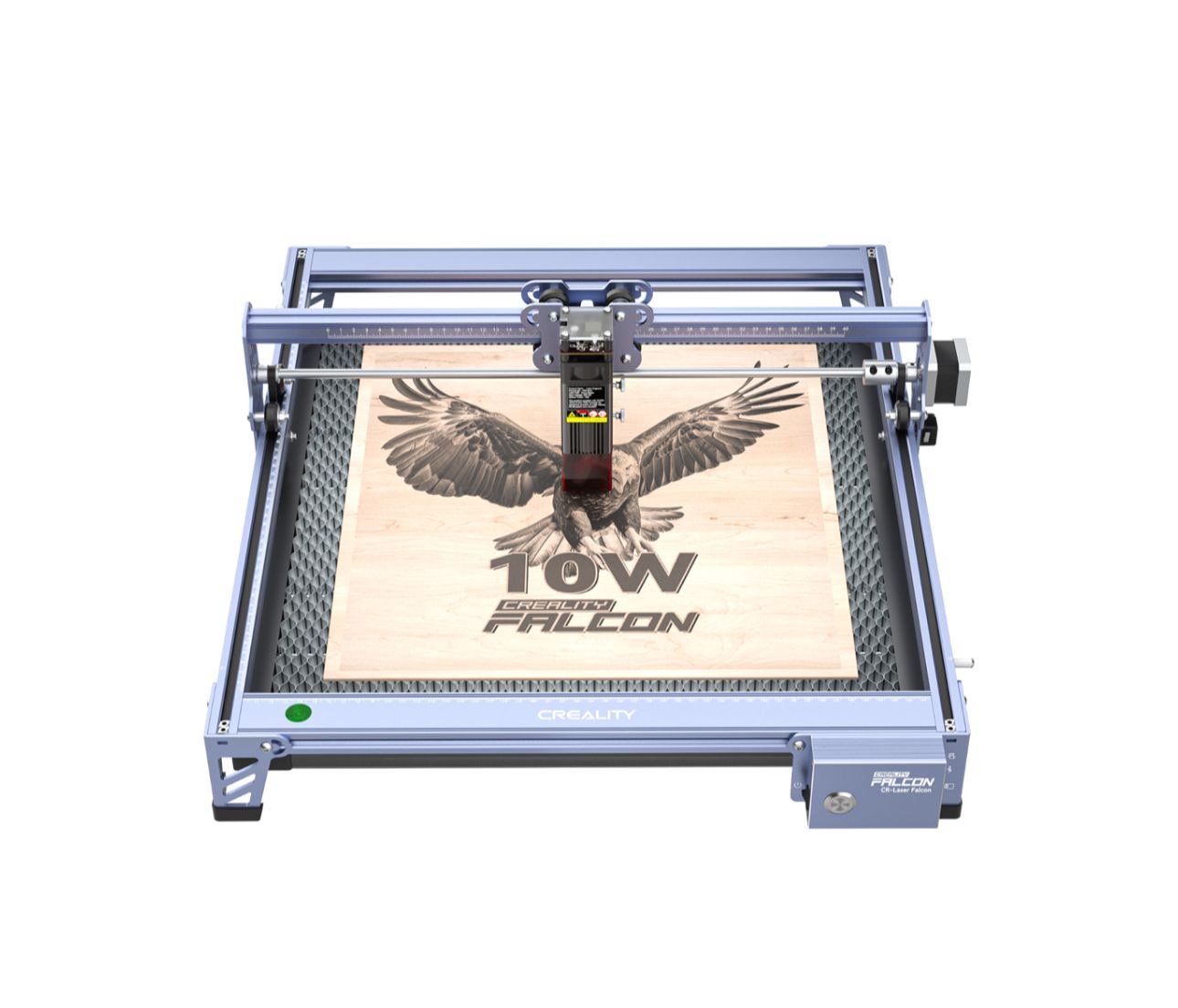
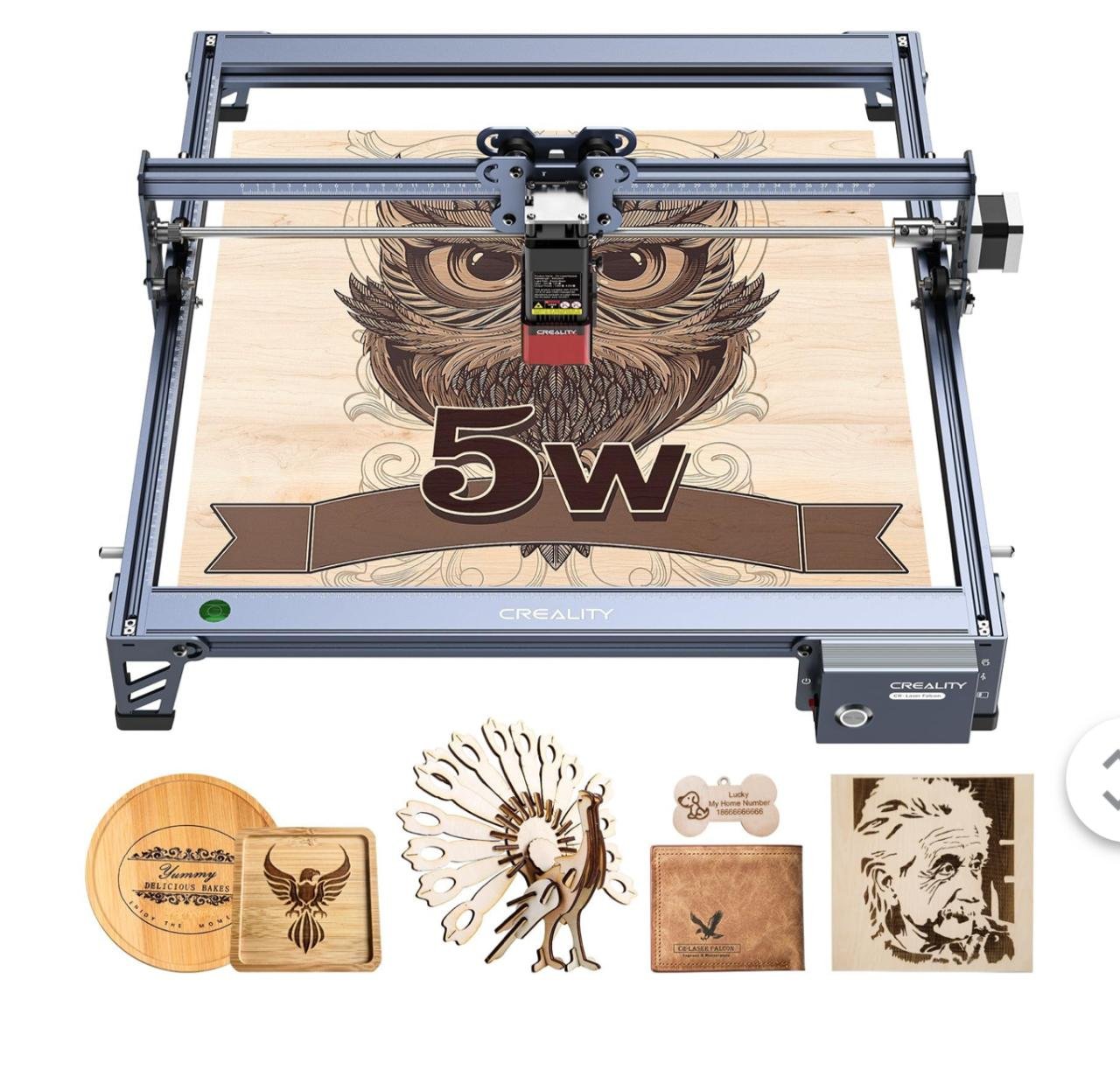
Creality Falcon — Balanced Power & Value
The Creality Falcon A1 Pro has become one of the most popular budget-friendly alternatives to xTool, offering a highly practical balance of speed, cutting power, and ease of use. It’s designed for users who want real production capability without entering premium pricing. With auto-focus, built-in air assist, and a stable motion system, it delivers consistent results while remaining beginner-friendly. Its performance sits comfortably between low-cost hobby lasers and higher-priced flagship machines.
Key Features:
- High-speed engraving with stable CoreXY motion
- Auto-focus + auto air assist
- Camera-supported positioning
- Compact but rigid frame
Pros: Great value, easy workflow, good engraving accuracy.
Cons: Smaller work area than some open-frame models.
Ideal User: Hobbyists, Etsy sellers, small studios.
Comparison: A practical and often cheaper alternative to xTool D1 Pro with more automated workflow.
Sculpfun S30 — Budget Workhorse With Strong Cutting Ability
Sculpfun’s S30 series is known for delivering impressive cutting strength and stability at a budget-friendly price. Its modular design and strong community support make it an excellent choice for makers who want more power without overspending. Ideal for wood and acrylic cutting, it sits above ultra-entry-level machines but below premium enclosed systems.
Key Features:
- Diode modules from 5W to 20W
- Air assist included on many models
- Extensive user community documentation
- Stable frame for clean cuts
Pros: Outstanding price-to-performance ratio, strong cutting power.
Cons: Requires assembly; software less polished than xTool’s.
Ideal User: Users wanting maximum cutting capability for the price.
Comparison: Often matches or beats xTool D1 Pro in cutting depth at lower cost.
Atomstack A5 Pro — Mid-Range Capability at a Budget Price
Atomstack’s A5 Pro provides solid mid-tier performance for users who want more than a basic hobby engraver but still need to keep costs down. It offers a stronger, more rigid structure and reliable engraving quality. While not the most powerful machine in its class, its affordability and versatility make it suitable for both casual and semi-professional work.
Key Features:
- Mid-range diode power for engraving/cutting
- Reinforced frame stability
- LightBurn compatible
- Compact footprint
Pros: More capable than entry-level lasers; affordable.
Cons: Requires manual tuning; not as advanced as premium units.
Ideal User: Makers upgrading from a first laser engraver.
Comparison: Cheaper than xTool D1 while still capable for wood, leather, and acrylic work.
Ortur Laser Master 2 Pro — Affordable & Beginner-Friendly
The Ortur Laser Master 2 Pro is widely regarded as one of the best beginner-friendly laser engravers due to its simplicity, solid build, and safety features. While limited in cutting power, it excels in engraving quality and reliability. It’s ideal for new users who want to learn without being overwhelmed.
Key Features:
- Beginner-oriented operation
- Safety sensors and stability improvements
- Good precision engraving
- Compatible with LightBurn & LaserGRBL
Pros: Easy for beginners, solid engraving performance.
Cons: Low cutting power; open-frame design needs caution.
Ideal User: New makers and hobby users.
Comparison: Not as strong as xTool D1, but significantly more affordable.
LONGER Ray5 Series — Ultra-Budget Starter Choice
The LONGER Ray5 is one of the most accessible entry-level laser engravers available today, offering a touchscreen interface and quick assembly at a very low price point. It’s perfect for people who want to try laser engraving for the first time without committing to a higher-cost system. While power and build quality are limited, it performs well for basic hobby work.
Key Features:
- Ultra-low price
- Touchscreen operation
- Decent engraving power for soft materials
- WiFi + offline SD card control
Pros: Extremely affordable; easy to use.
Cons: Lower power, slower cutting, limited longevity.
Ideal User: Absolute beginners or casual hobby crafters.
Comparison: Much cheaper than any xTool model, but also significantly less capable.
Making Your Choice: Which xTool Alternative Is Right for YOU?
Choosing the ideal xTool alternative requires reflecting on your current needs and long-term goals.
Assess Your Primary Use Case
Do you focus on engraving artwork, cutting wood signs, building prototypes, or crafting personalized gifts? Different tools excel in different tasks.
Re-Evaluate Your Budget
Some alternatives offer excellent cutting strength at lower prices, while others justify higher costs with enclosed designs, automation, or stronger diode modules. Decide how much performance you truly need.
Consider Future Needs
Will you eventually want a larger working area? More cutting power? Metal engraving capability? Choose a machine that can scale with you through upgrades or modular add-ons.
Read Reviews & Watch Demos
Before purchasing, review user feedback, real-world cutting tests, and YouTube demonstrations. Practical examples show far more than spec sheets alone.
Conclusion
There is no single “best” xTool alternative—only the best one for your workflow, budget, and creative direction. Each machine offers unique strengths, whether it’s affordability, cutting power, modular upgrades, or beginner-friendly operation.
By understanding your priorities—materials, cutting depth, software compatibility, safety, and workspace—you can confidently choose a laser engraver that elevates your craft or business.
Take your time, compare carefully, and select the machine that fits your vision.
Have experience with any of these xTool alternatives? Share your insights in the comments!