
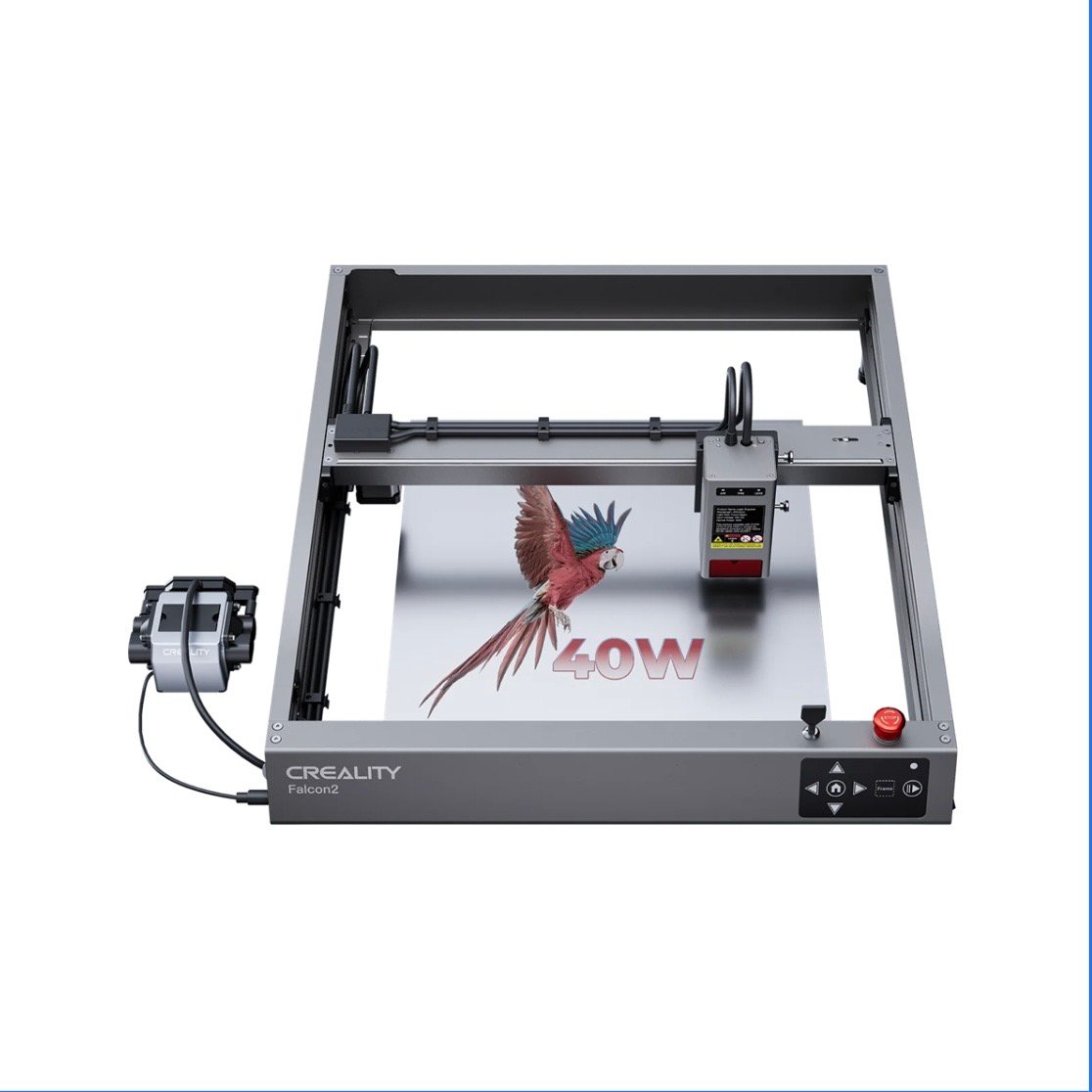
The Definitive Creality Falcon Laser Cutter Review: Performance, Features & Value
1. Introduction: What is the Creality Falcon Laser Cutter?
Accessible laser engraving and cutting machines have transformed both DIY creation and small business production, and the Creality Falcon laser cutter series has become a recognizable name in this space. Building on Creality’s experience in desktop fabrication, the Falcon lineup focuses on combining usability, safety, and dependable performance in a compact form.
In this review, I focus specifically on the Creality Falcon A1 Pro, a fully enclosed desktop diode laser designed for creators who want consistent results without dealing with complex setup or industrial-level systems. This article looks beyond marketing claims and explores how the A1 Pro performs in real use, who it’s best suited for, and whether it represents good value for its target audience.
2. Unboxing & First Impressions: Setup & Build Quality
Unboxing the Falcon A1 Pro was a reassuring experience. The machine arrived well protected with dense foam packaging, and all components felt securely fixed in place.
One immediate difference compared with many open-frame diode lasers is that the A1 Pro arrives largely pre-assembled. Instead of building a full frame from individual parts, setup mainly involves positioning the unit, checking connections, and powering it on. From box to first test, the process was quick and straightforward.
Build quality stands out. The fully enclosed metal chassis feels solid and well-finished, providing both stability and a cleaner working environment. Rather than feeling like a DIY kit, the A1 Pro feels like a complete, purpose-built desktop machine suitable for indoor workshops or studios.
3. Key Features & Technical Specifications Unveiled
At the core of the Falcon A1 Pro is a 20W blue diode laser, offering a practical balance between cutting capability and engraving precision for desktop applications.
What truly distinguishes the A1 Pro from typical open-frame diode lasers is its integrated design:
- Fully enclosed housing for improved safety and reduced debris
- Smart autofocus system that automatically sets the correct focal distance
- Camera-assisted positioning for easier material alignment and job preview
- Compatibility with both LightBurn and Creality’s Falcon Design Space software
The working area is well suited for common projects such as signage, custom gifts, craft products, and light batch production.
Connectivity typically includes USB and TF (SD) card operation. Wi-Fi functionality is model-dependent and not guaranteed across all Falcon machines. For stability and precision, a wired LightBurn workflow proved to be the most reliable option.
4. Real-World Performance: Cutting, Engraving & Material Versatility
In practical use, the Falcon A1 Pro delivers consistent and predictable results.
It performs well on commonly used materials, including:
- Plywood and MDF
- Leather and cardboard
- Fabric and paper
- Coated or anodized metals
Cutting through 3 mm plywood is clean and reliable, especially when using air assist to reduce charring. Engraving quality on wood and leather is crisp with good depth control, while slate engravings show strong contrast. Coated metals engrave evenly and cleanly with appropriate settings.
Like most diode lasers, the A1 Pro can reliably cut dark or opaque acrylic, while clear or transparent acrylic is generally not suitable.
Overall, performance feels tuned for real projects and repeatable output rather than experimental tinkering.
Creality Falcon Best-Fit Pick
Product: Creality Falcon A1 Pro 20W Laser Engraver & Cutter
Best-fit reasons:
- 20W diode laser offers an excellent balance of power and precision
- Fully enclosed design improves safety and workspace cleanliness
- Smart autofocus and camera-assisted positioning reduce setup time
- Ideal for hobbyists, educators, and small businesses
Soft CTA: If you’re looking for a refined desktop laser that prioritizes safety, consistency, and ease of use, the Falcon A1 Pro is well worth considering.
5. Software Experience, Usability & Learning Curve
The Falcon A1 Pro integrates seamlessly with LightBurn, which remains the preferred choice for users who want advanced control over power, speed, and layer management. Once material profiles are set up, workflow becomes fast and repeatable.
Creality’s Falcon Design Space offers a simpler alternative for beginners or quick tasks. Combined with the camera preview and autofocus system, job setup is significantly more forgiving than manual-focus diode lasers.
Routine maintenance is minimal, mainly involving lens cleaning and proper ventilation management.
6. Safety Features & Essential Considerations
Safety is a major strength of the Falcon A1 Pro. Built-in protections include:
- Emergency stop button
- Flame detection
- Limit switches and motion protection
- Fully enclosed housing
The enclosure also helps contain debris and block stray laser light. Even with these protections, proper ventilation remains essential, and a dedicated exhaust system is strongly recommended for indoor use.
7. Pros, Cons & Who the Falcon A1 Pro Is For
Pros
- Fully enclosed design improves safety and usability
- Smart autofocus and camera simplify setup
- Strong engraving precision and reliable cutting performance
- Compatible with LightBurn and Creality software
- Beginner-friendly while still capable for serious projects
Cons
- LightBurn has a learning curve for new users
- Ventilation system usually sold separately
- Cooling fans and air assist generate noticeable noise
The Falcon A1 Pro is an excellent fit for hobbyists upgrading from entry-level machines, small business owners producing custom products, educators, and anyone who values safety and workflow efficiency.
8. Final Verdict: Is the Creality Falcon Laser Cutter Worth It?
After extensive hands-on use, my conclusion is clear: the Creality Falcon A1 Pro offers excellent value in the desktop diode laser category.
It combines safety, performance, and ease of use into a single enclosed machine, making it especially attractive for creators who want dependable results without the complexity or cost of industrial CO₂ systems.
If you’re ready to move beyond basic experimentation and want a desktop laser that delivers consistent, professional-quality output, the Creality Falcon A1 Pro is a smart and future-proof investment.