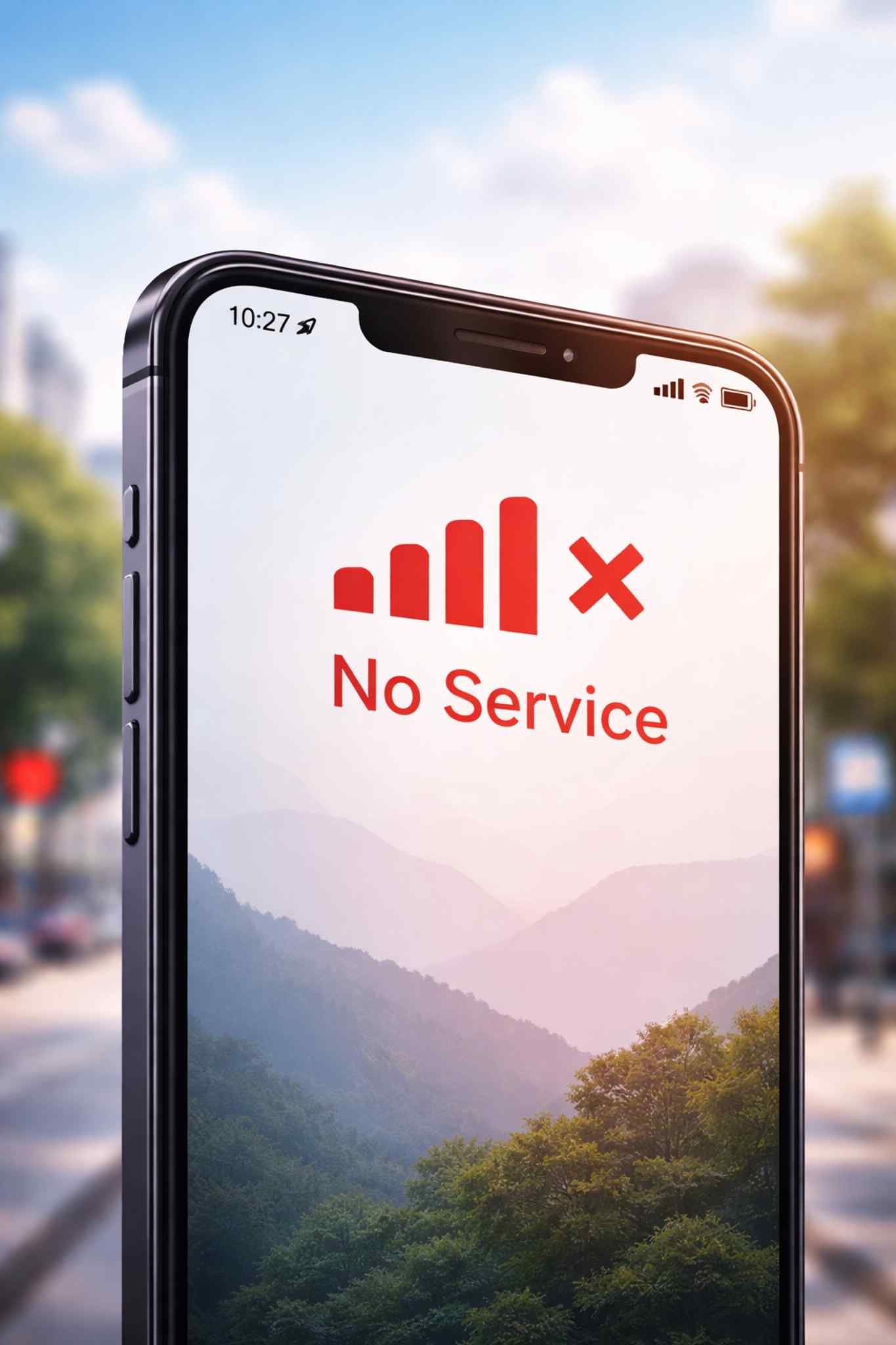
Red Phone Signal: What It Means, Why It Happens, and How to Fix It
When you look at your phone and see a red phone signal, it can be worrying. You may not be able to make calls, send messages, or use the internet. Today, we use our phones for many important things, so losing signal can feel stressful.
This article explains the red phone signal in simple words. You will learn what it means, why it happens, how to fix it, and how to stop it from happening again.
What Does Red Phone Signal Mean?
A red phone signal usually means your phone cannot connect to the mobile network. Your phone is trying to find a signal, but it is too weak or not available.
Different phones show this problem in different ways. You may see:
-
Red signal bars
-
A red phone icon
-
“No Service”
-
“Emergency Calls Only”
-
“SOS” (on some phones)
What These Signs Mean
| Sign on Phone | Simple Meaning |
|---|---|
| Red signal bars | Very weak or no signal |
| No Service | Phone cannot connect to the network |
| Emergency Calls Only | You can only call emergency numbers |
| SOS | Only emergency network is available |
In most cases, this does not mean your phone is broken. It only means there is a connection problem.
Why Does Red Phone Signal Happen?
There are many reasons why your phone may show a red phone signal. The reasons are usually simple and common.
1. Network and Coverage Problems
Sometimes, there is no strong network in your area.
Common reasons:
-
You are in a village or remote area
-
You are inside a building with thick walls
-
You are in a basement, tunnel, or elevator
-
The mobile company has a network problem
-
Too many people are using the network at the same time
| Place | Signal Strength |
|---|---|
| Basement | Very weak |
| Elevator | Weak or no signal |
| Open outdoor area | Usually strong |
| Remote area | Weak or no signal |
2. Phone or SIM Card Problems
Your phone or SIM card can also cause signal issues.
Possible phone problems:
-
SIM card is loose or damaged
-
Phone software is old
-
Phone settings are wrong
-
Airplane Mode is turned on by mistake
-
Phone was dropped or damaged
Read also: Messagenal
| Problem | What Happens |
|---|---|
| Loose SIM card | Phone cannot find network |
| Old software | Network may not work well |
| Wrong settings | Phone connects to wrong network |
| Hardware damage | Signal becomes weak |
3. Environment and Weather
The place around you can block the signal.
Things that block signal:
-
Thick walls
-
Metal doors
-
Underground places
-
Bad weather (heavy rain, storms)
-
Mountains or forests
| Environment | Signal Effect |
|---|---|
| Thick walls | Signal becomes weak |
| Underground | No signal |
| Open field | Better signal |
4. Account or Mobile Company Problems
Sometimes, the problem is with your mobile plan.
Examples:
-
Your mobile plan has ended
-
Your bill is not paid
-
Your SIM card is not active
-
The mobile company has a system problem
| Issue | Result |
|---|---|
| Plan ended | No service |
| Bill not paid | Service stopped |
| Carrier problem | Signal not working |
How to Fix Red Phone Signal (Easy Steps)
Most of the time, you can fix the red phone signal by yourself. Try these steps one by one.
Quick Things to Try
-
Restart your phone
-
Turn Airplane Mode on and off
-
Move to another place
-
Turn mobile data off and on
-
Try using Wi-Fi calling
Step-by-Step Fix Table
| Step | What to Do | Why It Helps |
|---|---|---|
| Restart phone | Turn phone off and on | Refreshes the network |
| Airplane Mode | Turn on for 10–20 seconds | Phone reconnects to towers |
| Check settings | Set network to auto | Finds the right network |
| Check SIM card | Remove and put back SIM | Fixes SIM contact issues |
| Update phone | Install latest update | Fixes software problems |
| Reset network | Reset network settings | Clears wrong settings |
| Call mobile company | Ask about problems | Checks for outages |
Red Phone Signal vs SOS Mode
Some phones show “SOS” instead of normal signal bars.
| Feature | Red Phone Signal | SOS |
|---|---|---|
| Make normal calls | No | No |
| Call emergency numbers | Usually no | Yes |
| Use internet | No | No |
| Meaning | No network | Only emergency network |
Simple meaning:
SOS means you can still call emergency services, but you cannot use normal phone services.
How to Stop Red Phone Signal in the Future
You cannot control the mobile towers, but you can take some steps to reduce signal problems.
Simple Tips
-
Use Wi-Fi calling at home
-
Choose a mobile company with good coverage in your area
-
Keep your phone updated
-
Do not stay long in places with no signal
-
Use a signal booster at home if needed
-
Use eSIM or local SIM when traveling
| Situation | What Helps |
|---|---|
| Weak home signal | Wi-Fi calling |
| Traveling | Local SIM or eSIM |
| Rural area | Strong network carrier |
| Office dead zones | Connect to Wi-Fi |
Red Phone Signal While Traveling
When you travel, your phone may show red signal because:
-
Roaming is turned off
-
Your mobile plan does not work in that country
-
Your phone does not support local networks
What you can do:
-
Turn on roaming
-
Buy a local SIM card
-
Use Wi-Fi in hotels and cafes
-
Use an international eSIM
Red Phone Signal During Emergencies
During floods, storms, or power cuts, mobile networks can stop working.
Prepare in advance:
-
Save emergency numbers on your phone
-
Download maps for offline use
-
Enable emergency features on your phone
-
Use messaging apps when Wi-Fi is available
Myths About Red Phone Signal
| Myth | Truth |
|---|---|
| Red signal means phone is broken | Usually not true |
| Red signal means phone is hacked | Not true |
| Signal loss is forever | Most times it is temporary |
| Only old phones get red signal | New phones can also face this |
Common Questions (FAQs)
Why does my phone show red signal but others work?
Different phones and networks work on different towers. Some phones get signal where others do not.
Can I receive calls with red phone signal?
Most of the time, no. Only emergency calls may work in SOS mode.
Does red phone signal use more battery?
Yes. Your phone uses more battery while trying to find a signal.
How long does it take to fix?
Many problems can be fixed in a few minutes. Network problems may take longer.
Conclusion
A red phone signal can be annoying, but it is usually easy to fix. Most problems happen because of weak network, location, phone settings, or mobile company issues. By following the simple steps in this guide, you can often fix the problem quickly. If the problem keeps happening, it is best to contact your mobile company.
With the right knowledge and a few simple actions, you can reduce signal problems and stay connected when you need your phone the most.